

Guest Portal Events
You can add local events to your guest portal by importing them from Ticketmaster or AllEvents, or by adding your own. Events show guests things happening in the area — from music and entertainment to local art shows or sporting events. You choose which events are shown to your guests by following the instructions below.
Import events from a provider
Section titled “Import events from a provider”-
Go to Portals > Settings > Events.
-
Click Import Events on the top right.
-
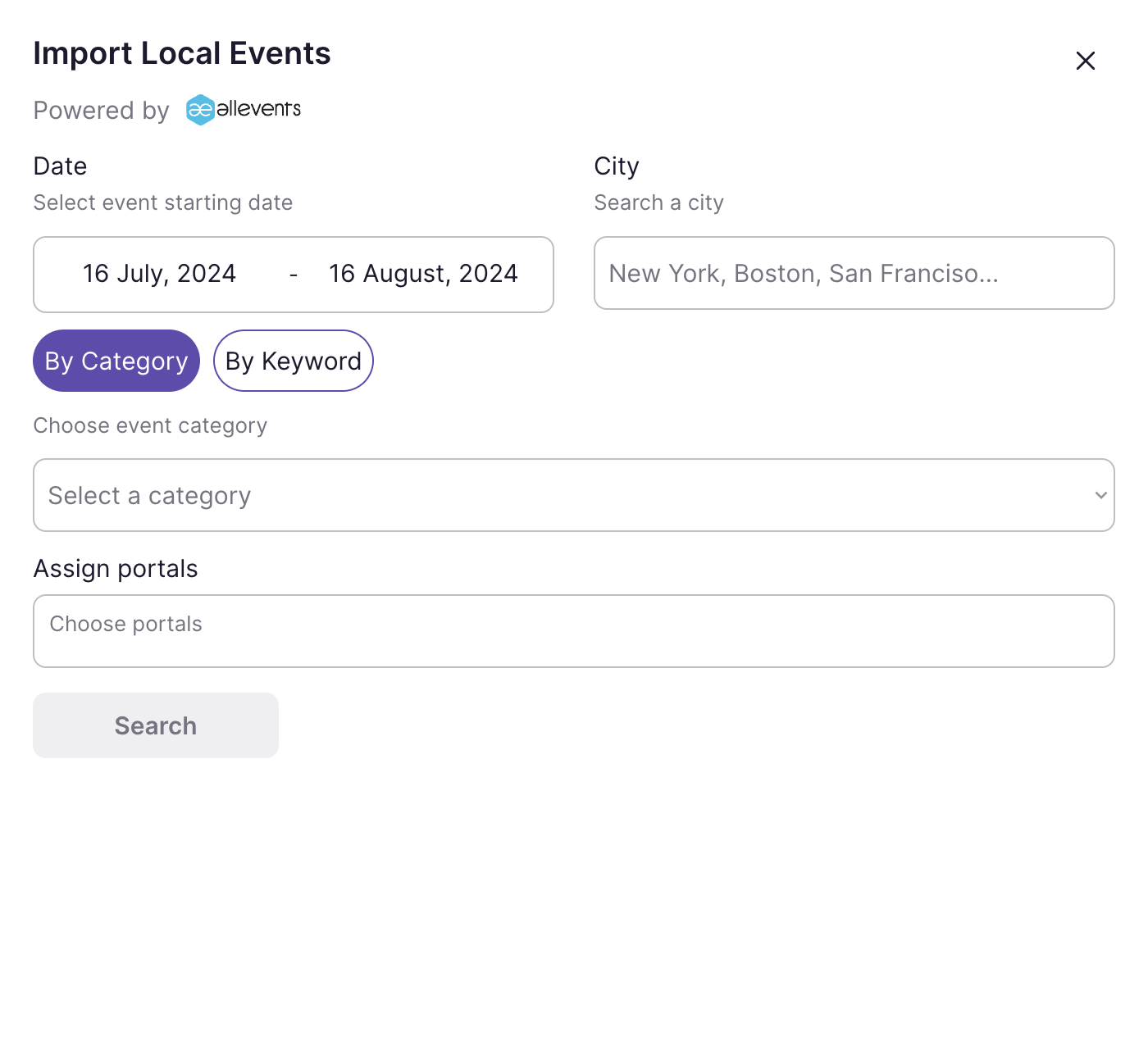
Choose a provider — Ticketmaster or AllEvents.
-
Enter the Location (or City / Destination) of your property and an optional search Distance to set how far out to look.
-
Optionally narrow the results with a Start Date, End Date, Category, or Keyword.
-
Choose the portal(s) to Assign to portals.
-
Click Search, then add the events you want with the plus sign.
Add your own event
Section titled “Add your own event”Prefer to feature something a provider doesn’t list? Click New Event to create one by hand. Give it an internal nickname, a guest-facing title and description, dates and times, an optional price and category, and a cover image, then assign it to the portals that should display it.